GitHub Actions CI/CD for AWS: secure and fast
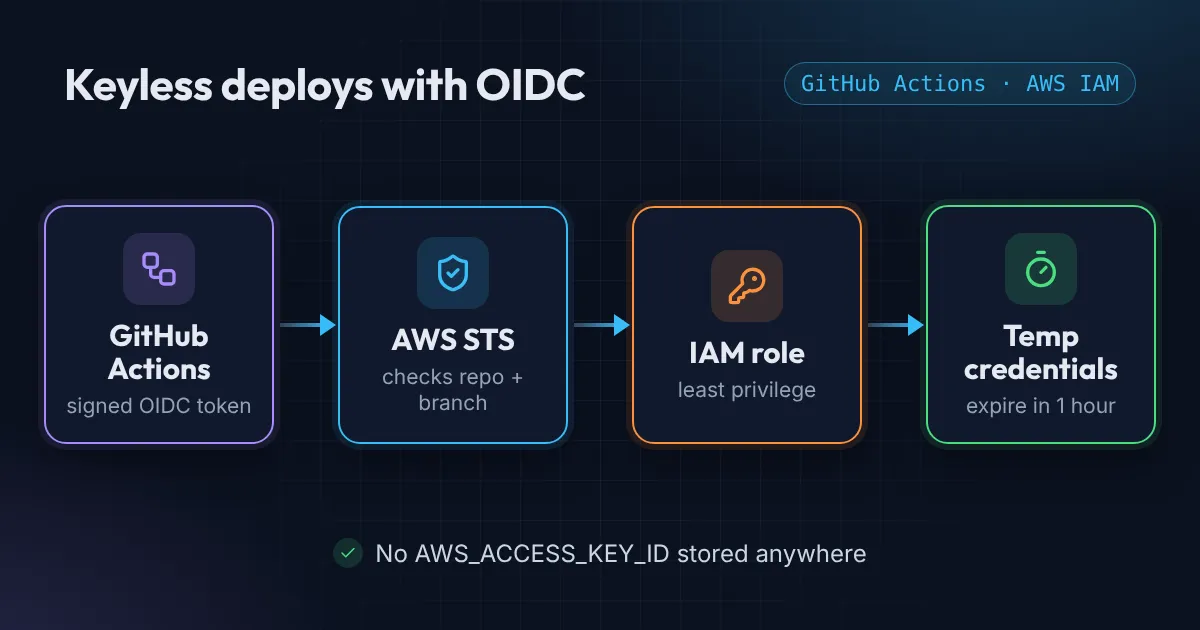
A good pipeline is secure first and fast second. Secure means no long-lived AWS keys in GitHub: each run gets short-lived credentials through OIDC for a role that can only do its job.
Then make it quick and boring: cache dependencies, skip work nobody needs, validate YAML before it breaks a deploy, and get scheduled jobs right the first time.
Then read
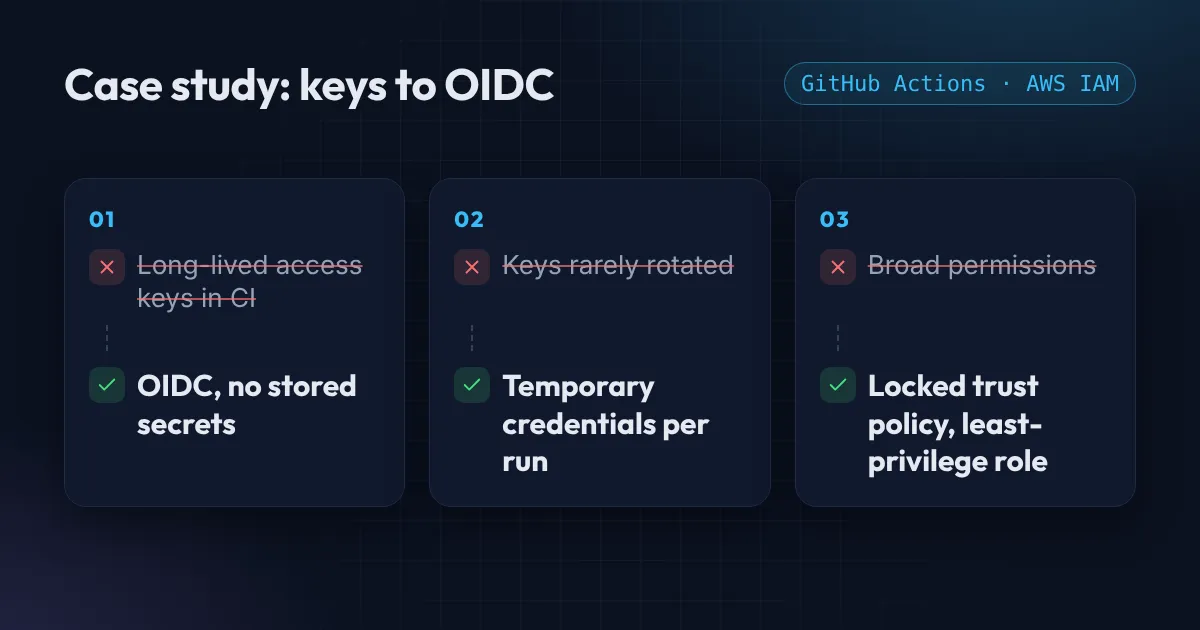
Case study: GitHub Actions OIDC replaced a startup's AWS keys
A GitHub Actions OIDC case study: a small team kept long-lived AWS keys in CI and never rotated them. How I moved them to OIDC in one day, and what changed.
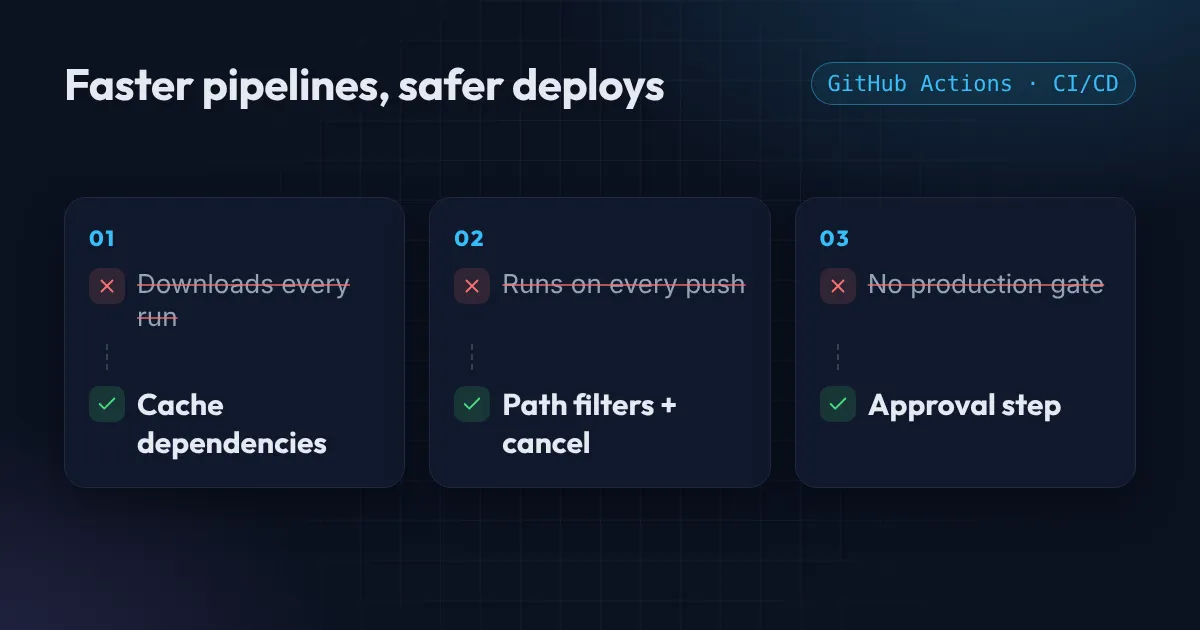
Why your GitHub Actions pipeline is slow, and the fix
GitHub Actions slow? Cache your dependencies, run only when the right files change, cancel stale runs, and put a real gate in front of production.
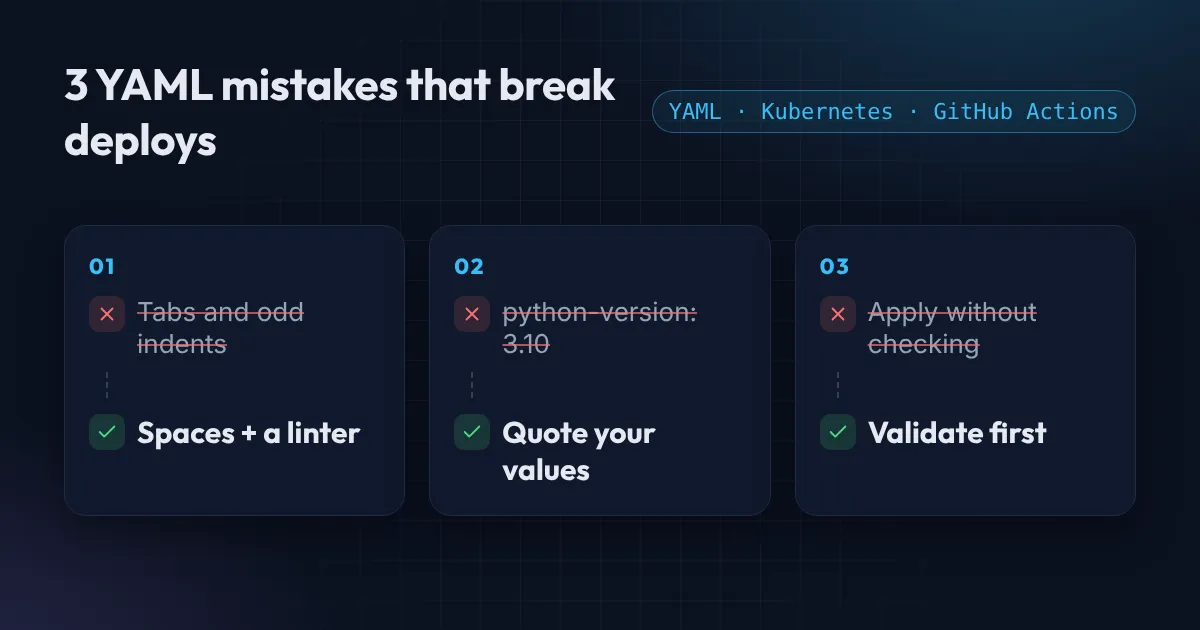
3 YAML mistakes that break Kubernetes and GitHub Actions deploys
Three YAML mistakes that break Kubernetes and GitHub Actions deploys: tabs and indentation, values that turn into the wrong type, and files nobody validated.

EventBridge cron expressions vs cron: the 6-field trap
An EventBridge cron expression has 6 fields, a required question mark and different day numbers. How it differs from cron, CronJobs and GitHub Actions.
Tools and checklists
- YAML validator and formatterCatch indentation and type mistakes before you push.
- Cron expression explainerRead any cron or EventBridge schedule in plain English.
- Cron expression generatorBuild a schedule for GitHub Actions, crontab or AWS in your time zone.
Rather have it done for you?
GitHub Actions pipelines that deploy safely, with no stored AWS keys.
Practical DevOps, once or twice a month
New tutorials, Terraform snippets and AWS cost tips. No spam, unsubscribe anytime.