3 YAML mistakes that break Kubernetes and GitHub Actions deploys
Three YAML mistakes that break Kubernetes and GitHub Actions deploys: tabs and indentation, values that turn into the wrong type, and files nobody validated.
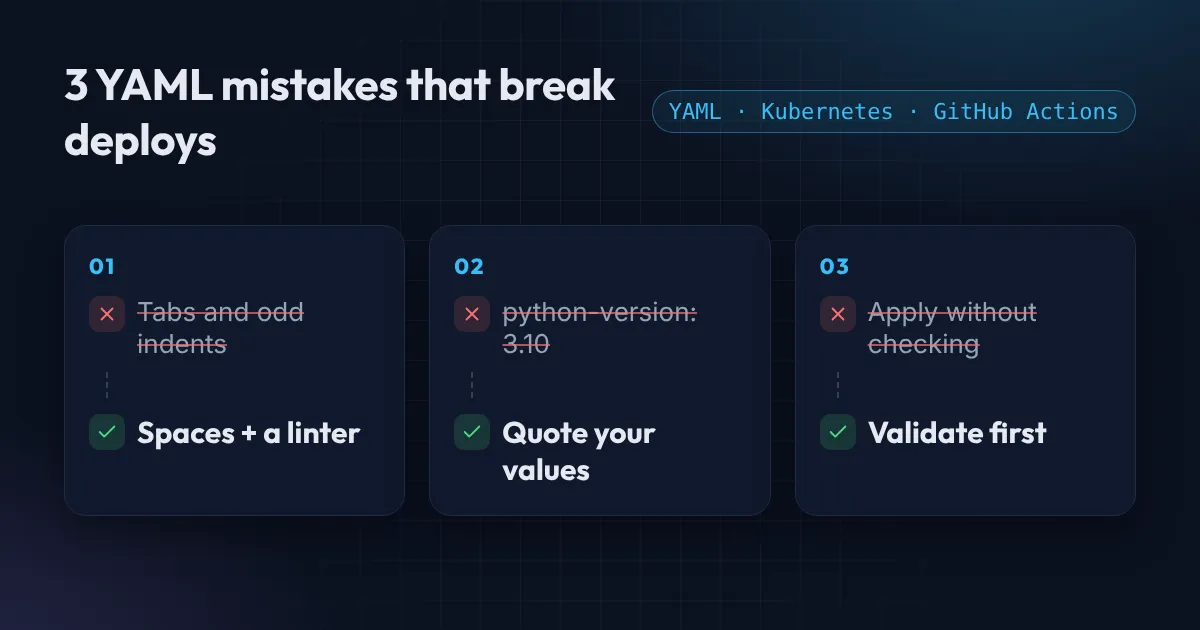
Most of the infrastructure you run is written in YAML: Kubernetes manifests, GitHub Actions workflows, Docker Compose files, Helm values. It looks simple, and that is the trap: small YAML mistakes break Kubernetes and CI deploys. YAML is strict about whitespace and loose about types, and both of those cause failures that waste an afternoon.
Here are the three mistakes I see most, and the checks that catch them before they reach production.
Mistake 1: indentation and tabs
YAML uses indentation to show structure, and it only allows spaces. A single tab character is a syntax error, and a tab is easy to paste in from a chat or a web page without noticing.
Worse than an error is a silent change. Here the second block is indented under the wrong key:
containers:
  - name: web
    image: nginx:1.27
  ports:
    - containerPort: 80
ports is now a sibling of containers, not part of the container. Some tools accept this and ignore it, and your container starts with no port defined. Two things help: pick one indent width (2 spaces is the convention) and run a linter in CI.
yamllint .Mistake 2: values that quietly become the wrong type
YAML guesses the type of every unquoted value. That is convenient until the guess is wrong.
The classic example is in GitHub Actions workflows:
- uses: actions/setup-python@v5
  with:
    python-version: 3.10      # read as the number 3.1
3.10 is a number, and the number is 3.1, so you get the wrong Python version. The YAML 1.2.2 specification defines these rules. Quote it: python-version: "3.10".
Kubernetes has its own version. Environment variable values must be strings, so this is rejected:
env:
  - name: PORT
    value: 8080        # error: a number where a string is expected
  - name: PORT
    value: "8080"      # correct
Two more to know about. Some YAML parsers (those that follow the older YAML 1.1 rules) read yes, no, on and off as true and false, so quote them when you mean text. And a Docker Compose port written as 80:80 without quotes can be read as a number in base 60 by some parsers, which is why the Docker docs tell you to quote port mappings: "80:80".
Mistake 3: nobody validates the file before it is applied
A file can be valid YAML and still be wrong for Kubernetes or GitHub Actions. The fix is to check it at three levels before it gets near a cluster:
# 1. Is it valid YAML, and consistently formatted?
yamllint .

# 2. Does it match the Kubernetes schema?
kubeconform -strict -summary deployment.yaml

# 3. Will the API server accept it? (--dry-run=server asks the real cluster)
kubectl apply --dry-run=server -f deployment.yaml

# GitHub Actions workflows
actionlint
Put the first, second and last in your CI pipeline so a broken file fails the pull request instead of the deploy. The server dry run needs access to a cluster, so it fits a staging step better than a pull request check.
A quick check right now
If you just need to know whether a file is valid, paste it into the free YAML formatter and validator. It tells you the line and column of the first error, tidies the indentation while keeping your comments, and converts between YAML and JSON. It runs in your browser, so nothing is uploaded.
Fewer YAML mistakes, fewer broken Kubernetes deploys
If deploys keep failing on small mistakes, the answer is usually a pipeline that checks files before they run. I build CI/CD pipelines with linting, validation and safe rollouts in GitHub Actions, and the Free AWS Review will tell you where yours is weakest. For the Kubernetes side, see 3 Kubernetes mistakes that crash your pods.
Want this set up for your team?
I build this kind of infrastructure for startups and small teams, with fixed prices and full handover.