Case study: GitHub Actions OIDC replaced a startup's AWS keys
A GitHub Actions OIDC case study: a small team kept long-lived AWS keys in CI and never rotated them. How I moved them to OIDC in one day, and what changed.
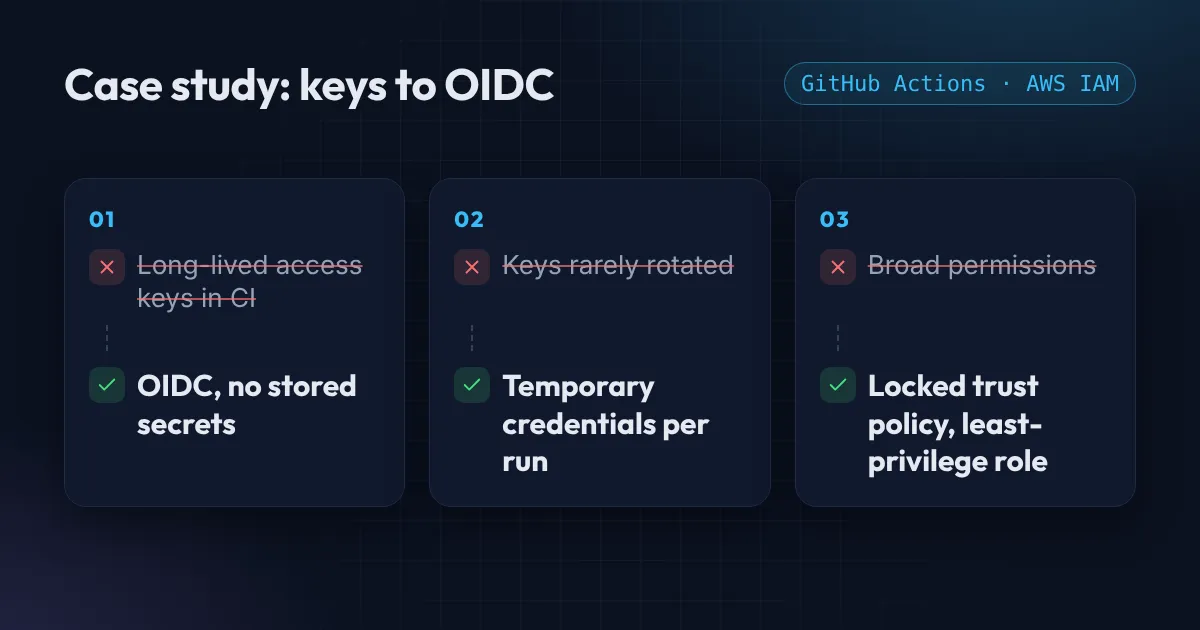
This GitHub Actions OIDC case study is a short write-up of a real job. The client is a small startup team, so I am keeping the name private. The work took about one day.
The situation
The team deployed to AWS from GitHub Actions. To make that work, someone had created an IAM user, generated an access key and pasted it into the repository secrets. It worked, so nobody touched it again.
Two things worried them:
- The key was long-lived. It had been rotated rarely, if at all. Anyone who ever saw it, or any tool that could read repository secrets, could use it from anywhere, any time.
- It had more power than the pipeline needed. The key could do far more than copy files and deploy.
A security review was coming up, and “we have an access key in CI” was not an answer they wanted to give.
The steps I took to move GitHub Actions to OIDC
I replaced the key with OIDC, which lets GitHub prove to AWS who is asking, so the pipeline gets short-lived credentials on every run and nothing is stored.
1. Added GitHub as an identity provider in AWS. One resource, defined in Terraform so it is reviewed like any other change.
2. Created a deploy role with only what the deploy needs. Not admin. The pipeline could write to the deploy bucket and nothing else. If you have not looked at your own pipeline’s permissions yet, my IAM mistakes post covers the usual problems.
3. Locked the trust policy to one repository and one branch. This is the step people skip. Without it, any repository that knows the role name could try to use it. The condition looks like this, with your own organization and repository:
"Condition": {
  "StringEquals": {
    "token.actions.githubusercontent.com:aud": "sts.amazonaws.com",
    "token.actions.githubusercontent.com:sub": "repo:YOUR-ORG/YOUR-REPO:ref:refs/heads/main"
  }
}
4. Updated the workflow. The job asks GitHub for a token and exchanges it for the role. No secret is read:
permissions:
  id-token: write
  contents: read

steps:
  - uses: aws-actions/configure-aws-credentials@v6
    with:
      role-to-assume: arn:aws:iam::123456789012:role/deploy-role
      aws-region: us-east-1
5. Deleted the old keys. From the repository secrets and from AWS, then the IAM user itself. This is the part that makes the change real. If the old key still exists, you have added a second door, not closed the first.
For the full walkthrough with every setting, see Deploy to AWS from GitHub Actions without access keys.
The result
- No AWS keys left in CI. There is nothing in the repository settings to leak, copy or forget to rotate.
- Deploys ran the same or faster. The pipeline gets its credentials at the start of the job, which adds no noticeable time.
- The security review went through. The answer to “how does CI get access to AWS?” became one sentence: short-lived credentials, one repository, one branch, least privilege.
- The team got a handover. A README and a short walkthrough, so they can add another repository or environment without me.
What I would check in your pipeline
If your pipeline uses a stored AWS key today, three questions tell you how much risk you carry:
- Can you tell me the last time that key was rotated?
- Could it do more than your deploy needs?
- If someone copied it today, how would you know?
If you set up the same thing, paste the role’s trust policy into the free AWS policy checker to check that the repository condition is as tight as you think.
If you do not like the answers, this is a one-day fix for most small teams. I can look at your setup for free with a Free AWS Review, or set it up as part of a CI/CD pipeline project.
Want this set up for your team?
I build this kind of infrastructure for startups and small teams, with fixed prices and full handover.