3 Terraform mistakes that cost me hours
Three Terraform mistakes that cost me hours: local state, hardcoded secrets and unpinned providers. What each one cost and the small fix that prevents it.
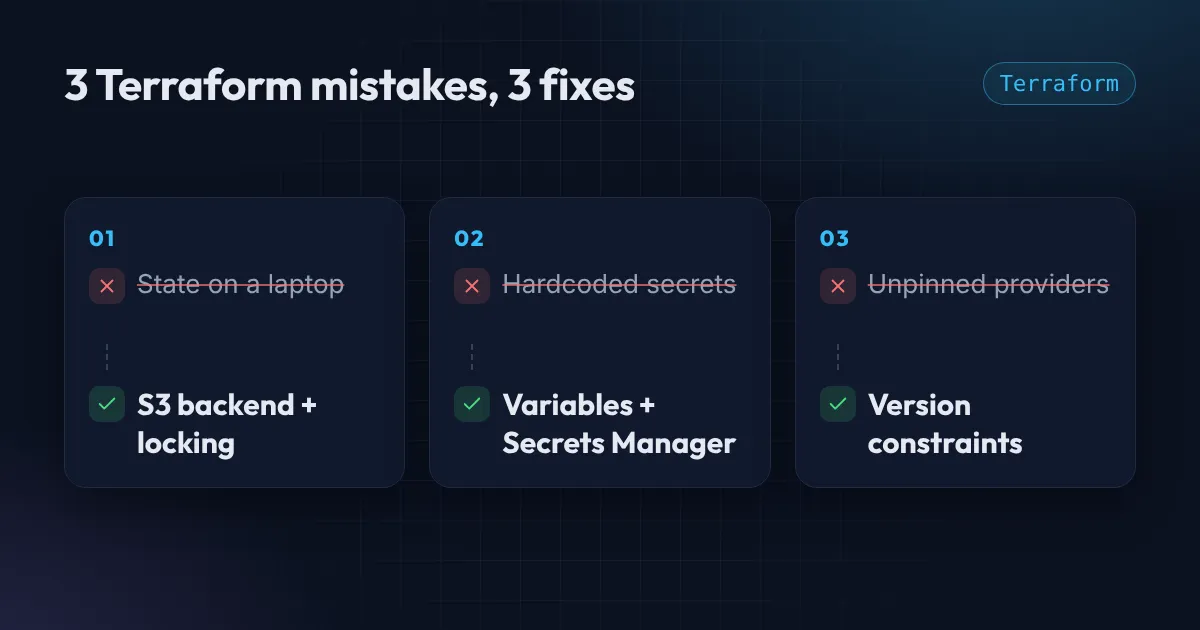
Terraform is wonderful right up until the moment it is not. In my experience the nasty problems are rarely clever. They are the same three mistakes, made by smart people on a busy afternoon. I have made all three. Here is what each one cost and how to avoid it.
Mistake 1: Keeping state on your laptop
Terraform remembers what it built in a state file. By default that file lives in the folder you ran it from.
That is fine for an experiment. It is a disaster the day a second person joins, or your laptop dies, or you run apply from two terminals and both think they are the only one.
What it cost me: an hour of untangling a duplicated security group after a teammate and I applied the same change from different machines. Terraform had no idea the other apply existed.
The fix: remote state in S3, with locking so only one run can change things at a time.
terraform {
  backend "s3" {
    bucket       = "my-company-tfstate"
    key          = "prod/network/terraform.tfstate"
    region       = "us-east-1"
    encrypt      = true
    use_lockfile = true
  }
}
use_lockfile gives you native S3 locking on Terraform 1.11 and newer. On older versions you would add a DynamoDB table for the lock instead. Turn on versioning for the bucket as well, so a bad write is one click from undone. I go deeper on this in the remote state post.
Mistake 2: Hardcoding secrets
It starts innocently. You need a database password, you type it into the variable default, you run apply, and it works. Then you commit.
Git remembers forever. Even if you delete the line tomorrow, the password lives in history, and bots scan public repositories for exactly this within minutes. Terraform state also stores values in plain text, which is one more reason the state bucket must be private and encrypted.
What it cost me: a full credential rotation on a Friday evening, plus the awkward conversation about why.
The fix: never put the value in code. Let the platform generate or hold it.
resource "aws_db_instance" "main" {
  # ...
  manage_master_user_password = true   # AWS creates and rotates it in Secrets Manager
}
For things you must pass in, mark variables as sensitive = true, read them from the environment or Secrets Manager at runtime, and add a secret scanner such as gitleaks to your pipeline so a mistake is caught before it merges.
Mistake 3: Not pinning provider versions
You wrote working Terraform in March. In September someone runs terraform init on a fresh machine, gets the newest provider, and suddenly your plan wants to destroy a database.
Providers change. Defaults change. An argument you relied on gets renamed. If you do not pin versions, your code is only correct for the day you wrote it.
What it cost me: a plan that showed a surprise replacement of a resource I had not touched. Caught it in review, but only barely.
The fix: pin the version range, and commit the lock file.
terraform {
  required_version = ">= 1.11"

  required_providers {
    aws = {
      source  = "hashicorp/aws"
      version = "~> 5.0"
    }
  }
}
.terraform.lock.hcl goes into Git too. It records exact versions and checksums, so every laptop and every pipeline run uses the same provider. Upgrades become a deliberate pull request instead of a surprise.
The pattern behind these Terraform mistakes
Look at the fixes: remote state, secrets kept out of code, pinned versions. They all do the same thing. They make your infrastructure behave the same way no matter who runs it, from where, on which day.
That is the real goal of infrastructure as code. Not writing less clicking, but removing “it worked on my machine” from your cloud.
I turned this into a 45-second YouTube Short if you want the quick version. And if your Terraform has any of these three problems right now, send me a message. It is usually a quick fix.
Want this set up for your team?
I build this kind of infrastructure for startups and small teams, with fixed prices and full handover.