CloudWatch Logs cost: find the log groups eating your bill
CloudWatch Logs charges $0.50 per GB ingested and stores logs forever by default. Find the noisy log groups, set retention, and cut the bill safely.
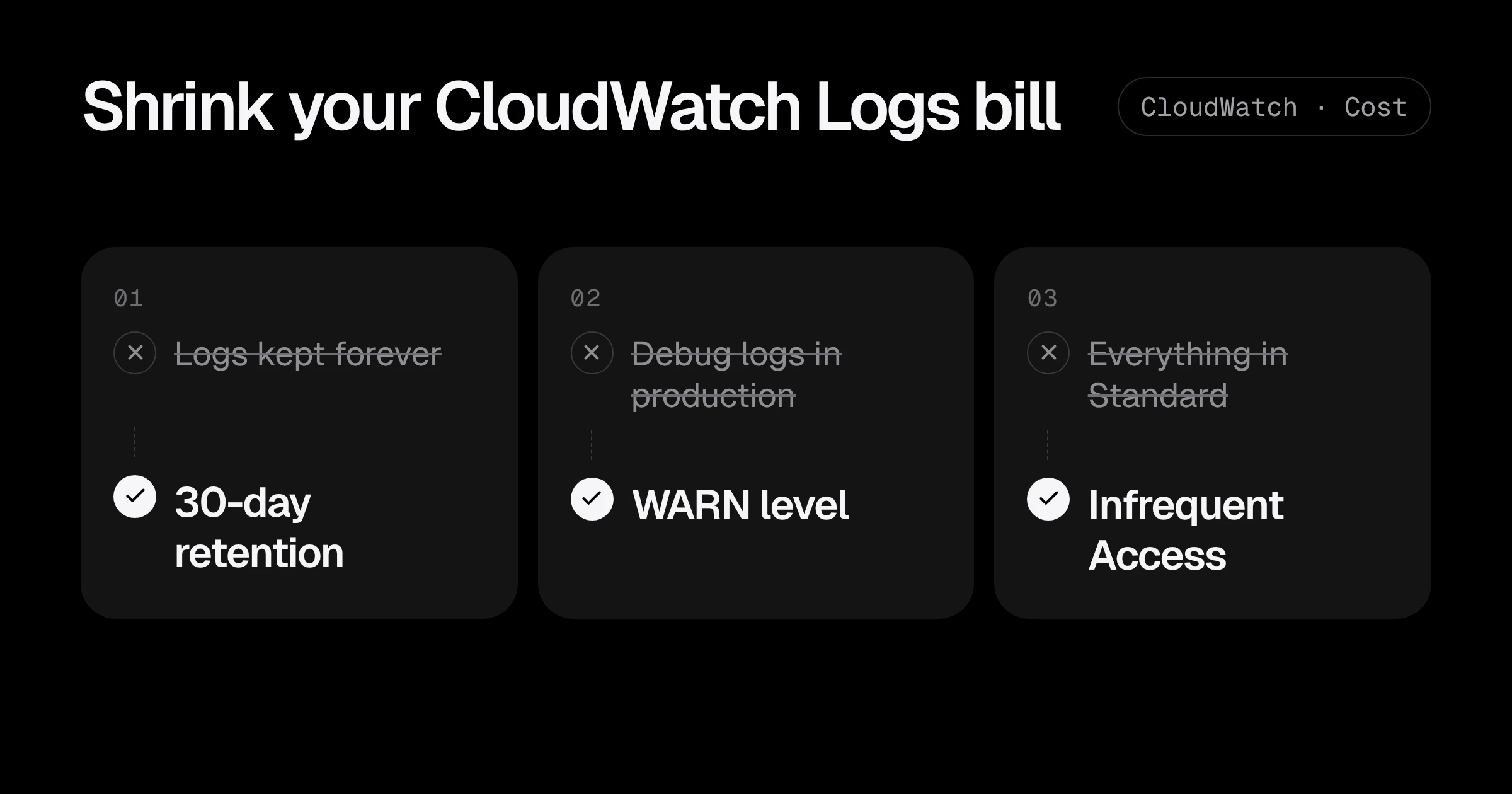
CloudWatch is the AWS bill line that grows without anyone deciding it should. Every service logs a little more each month, every new Lambda function creates a new log group, and by default nothing is ever deleted. Then one day CloudWatch is the third biggest line in Cost Explorer.
The pricing has two parts that matter (us-east-1, Lambda logging pricing post):
| Charge | Price | Note |
|---|---|---|
| Ingestion, Standard class | $0.50 per GB | For the first 10 TB a month of Lambda logs; tiered cheaper above that |
| Ingestion, Infrequent Access class | $0.25 per GB | Fewer features, chosen when the log group is created |
| Storage | $0.03 per GB-month | Charged for every GB you keep, every month |
Ingestion is the expensive part. A service that writes 5 GB of logs a day costs about $75 a month just to accept them. Storage is cheap per GB, but forever is a long time: that same service has stored 1.8 TB after a year, which is another $55 a month and still growing.
This post shows how to find the log groups behind your bill and cut them in order: retention first, then less logging, then a cheaper class or destination.
Step 1: see what CloudWatch actually costs you
In Cost Explorer, filter by service CloudWatch and group by Usage type. The ones to look for:
DataProcessing-Bytes: log ingestion. Usually the biggest.TimedStorage-ByteHrs: log storage.CW:MetricMonitorUsage,CW:Requests: custom metrics and API calls, a different problem.
Then find the log groups doing the ingesting. CloudWatch publishes IncomingBytes per log group; this sums the last 7 days for one group:
aws cloudwatch get-metric-statistics --namespace AWS/Logs \
  --metric-name IncomingBytes --dimensions Name=LogGroupName,Value=/aws/lambda/api \
  --start-time "$(date -u -d '-7 days' +%Y-%m-%dT%H:%M:%SZ)" \
  --end-time "$(date -u +%Y-%m-%dT%H:%M:%SZ)" \
  --period 604800 --statistics Sum
For a ranking across every group, open CloudWatch, then Metrics, Logs, Log group metrics, select IncomingBytes for all groups and sort by sum over a week. The top five groups are usually more than half of the bill.
Step 2: set retention on every log group
This is the safest fix: no code change, and it stops storage from growing forever. First, list every log group that has no retention, biggest first:
aws logs describe-log-groups \
  --query 'logGroups[?retentionInDays==`null`].[storedBytes,logGroupName]' \
  --output text | sort -rn | head -20
Then set a retention period. 30 days is a sensible default for application logs:
aws logs put-retention-policy --log-group-name /aws/lambda/api --retention-in-days 30To apply it to every group that has none:
aws logs describe-log-groups \
  --query 'logGroups[?retentionInDays==`null`].logGroupName' --output text |
  tr '\t' '\n' | while read -r g; do
    aws logs put-retention-policy --log-group-name "$g" --retention-in-days 30
    echo "30 days: $g"
  done
Run it in each region you use. The stored data older than 30 days is deleted shortly after, and the storage line drops the next month.
A simple policy most startups can agree on:
| Log type | Retention |
|---|---|
| Application and Lambda logs | 30 days |
| Load balancer, VPC Flow Logs | 14 days in CloudWatch, longer in S3 if needed |
| Security and audit (CloudTrail) | 1 year or more, in S3, not CloudWatch |
| Dev and preview environments | 7 days |
Step 3: stop new log groups from living forever
Lambda creates its log group the first time a function runs, with no retention. Create the group yourself in Terraform, with retention, before the function exists:
resource "aws_cloudwatch_log_group" "api" {
  name              = "/aws/lambda/api"
  retention_in_days = 30
}

resource "aws_lambda_function" "api" {
  function_name = "api"
  # ...
  depends_on = [aws_cloudwatch_log_group.api]
}
Do the same in every module that creates something that logs: ECS task definitions, EKS control plane logging, API Gateway stages. Then the monthly routine below only has to catch the exceptions.
Step 4: log less, especially in production
Retention fixes storage. Ingestion only drops when you write less. The usual culprits, in the order I find them:
- Debug logging left on in production. One environment variable often halves a service’s log volume. For Lambda, set the log level without touching code using advanced logging controls:
aws lambda update-function-configuration --function-name api \
--logging-config LogFormat=JSON,ApplicationLogLevel=WARN,SystemLogLevel=WARN- Request and response bodies in logs. Large, costly, and often a privacy problem too. Log an ID and a size instead.
- Health checks in access logs. A load balancer checking every 10 seconds on 6 targets is 50,000 lines a day that say nothing.
- Stack traces for expected errors. A 404 or validation error needs one line, not 40.
- VPC Flow Logs to CloudWatch for every interface. Send them to S3 instead, or only enable them on the VPC when you need to investigate.
Step 5: use the cheaper class and destinations where they fit
For log groups you write a lot to but rarely read, two cheaper options exist:
- Infrequent Access class at $0.25 per GB ingested. You keep search with Logs Insights, but lose live tail, metric filters and subscription filters. It has to be chosen when the log group is created:
resource "aws_cloudwatch_log_group" "audit_trail" {
  name              = "/app/audit"
  log_group_class   = "INFREQUENT_ACCESS"
  retention_in_days = 90
}- Send Lambda logs straight to S3 or Firehose. Since May 2025 Lambda can deliver logs to S3 or Data Firehose at $0.25 per GB for the first 10 TB (AWS post), and storage in S3 costs a fraction of CloudWatch’s. Good for high-volume logs you only need for occasional investigation.
Keep anything you alert on in the Standard class. Alarms built on metric filters do not work in Infrequent Access.
What this saves: a real example
A startup writes 200 GB of logs a month across 40 log groups, all with no retention, and has 2.4 TB stored.
| Item | Before | After |
|---|---|---|
| Ingestion | 200 GB in Standard: $100 | 90 GB after debug off and no health checks: $45 |
| Storage | 2.4 TB kept forever: $74 | 30 days of logs, about 90 GB: $3 |
| Monthly CloudWatch Logs | about $174 | about $48 |
About $1,500 a year, and the bill stops growing every month.
A monthly CloudWatch Logs routine
- Run the “no retention” command in each region and fix anything new.
- Check the top 5 log groups by
IncomingBytesand ask whether each line is needed. - Look at the CloudWatch line in Cost Explorer next to last month. A jump means a new service or a debug flag someone forgot.
CloudWatch Logs cost checklist
- Group CloudWatch costs by usage type to see ingestion versus storage.
- Rank log groups by
IncomingBytesand start with the top five. - Set retention on every log group, 30 days unless there is a reason.
- Create log groups in Terraform with retention before the function or task exists.
- Turn debug logging off in production and stop logging health checks and bodies.
- Move high-volume, rarely read logs to Infrequent Access or straight to S3.
Logs are only useful if someone sees the important ones: see AWS alerts that reach a person. For the other quick savings, start with how to reduce your AWS bill, or ask for a Free AWS Review.
Prices are us-east-1 prices from the AWS Lambda logging pricing post and the CloudWatch pricing page, checked in November 2026.
Common questions
Why is my CloudWatch bill so high?
Usually because of log ingestion: every GB written to CloudWatch Logs costs $0.50 in the Standard class. Chatty applications, debug logging in production, VPC Flow Logs and verbose Lambda functions are the common causes. Storage adds up too, because log groups keep data forever by default.
What is the default retention for CloudWatch log groups?
Never expire. Unless you or your tooling sets a retention period, every log line is stored and billed every month for as long as the account exists.
What is the CloudWatch Logs Infrequent Access class?
A log group class that halves the ingestion price to $0.25 per GB, in exchange for fewer features: no live tail, metric filters or subscription filters. You choose it when you create the log group; you cannot switch an existing group.
Does deleting old logs break anything?
Only if something still reads them: an audit requirement, a dashboard over a long period, or an investigation. Agree retention periods per type of log, keep audit logs such as CloudTrail in S3, and shorten everything else.
Is it cheaper to send logs to S3 instead?
For logs you rarely read, yes. Storage in S3 costs much less than in CloudWatch, and Lambda can send logs to S3 or Firehose directly. You lose CloudWatch's search and alarms on those logs, so keep the ones you alert on in CloudWatch.
Want this set up for your team?
I build this kind of infrastructure for startups and small teams, with fixed prices and full handover.