EKS setup consultant: Kubernetes done properly
As an EKS setup consultant, I containerize your app and run it on EKS or another managed cluster, with Terraform for the cluster, Helm for the apps, and monitoring so you hear about problems first.
Kubernetes on AWS: problems I fix
Pods crash and nobody knows why
Missing resource limits and bad health checks are behind most crashes. I set sensible limits and probes and show you how to read the signals.
Not sure Kubernetes is right
If it is too much for your size, I will say so. Sometimes ECS or a simple EC2 setup is the better answer.
Deploys cause downtime
Rolling updates, readiness checks and Helm charts give you releases without a gap.
No monitoring
I set up Prometheus and Grafana with Slack alerts and custom rules, not just a default install.
What is included
- Dockerfiles and an image build pipeline
- EKS cluster and networking in Terraform
- Helm charts per service, with ingress and TLS
- Autoscaling and monitoring with alerts
- Runbook for your team
Fixed price: Kubernetes Setup, from $1,200, typical delivery 1–2 weeks. Smaller job? Helm deploy, from $135. See all packages and pricing
containers:
  - name: api
    image: 123456789012.dkr.ecr.us-east-1.amazonaws.com/api:1.4.2
    resources:
      requests: { cpu: 100m, memory: 128Mi }
      limits: { memory: 256Mi }
    readinessProbe:
      httpGet: { path: /healthz, port: 8080 }
    livenessProbe:
      httpGet: { path: /healthz, port: 8080 }
What clients say
Second time working with Umar and again really happy with the results. He set up the full cloud networking and Kubernetes cluster on AWS using Terraform, exactly as discussed. Everything was clean, well documented, and I could connect to the cluster straight away after running the setup. He also flagged a few things I’d need later that I hadn’t thought about, which was helpful. Delivered the same night. Will keep coming back.
Fourth order with Umar. Client had an outage and found out about it from a customer which was the whole reason for this. Umar set up a full monitoring and alerting setup on the cluster. They now get Slack alerts when anything goes wrong and have dashboards showing what is happening across the whole cluster. Came with custom alert rules already configured not just a default install. Delivered same night, README made it straightforward to get running.
Guides on this topic
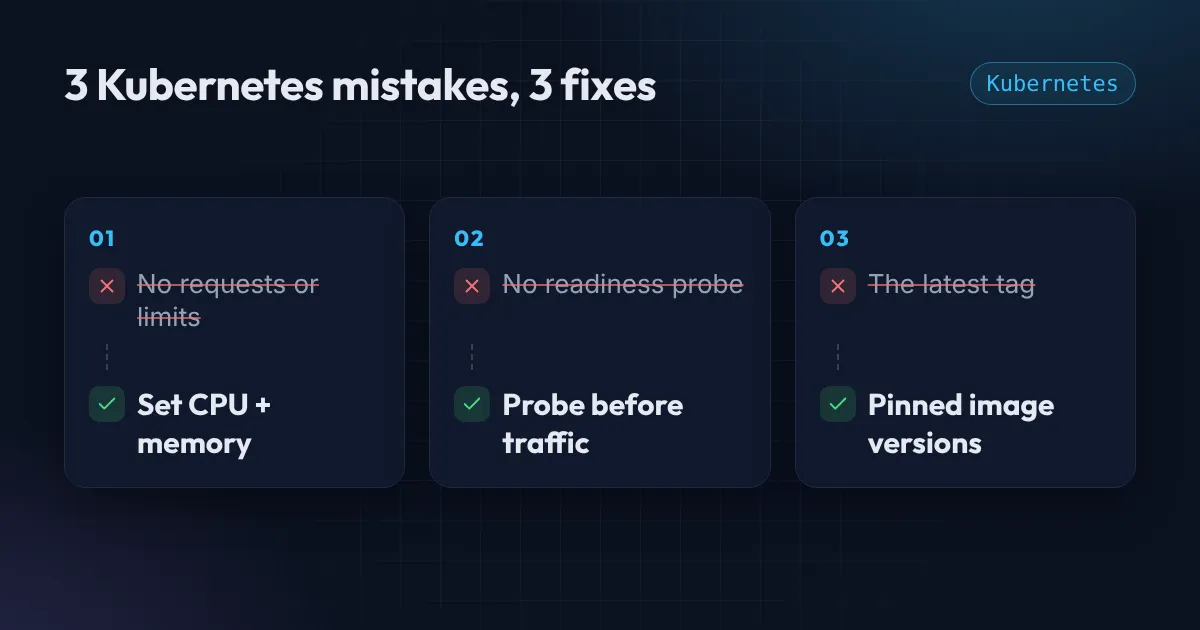
3 Kubernetes mistakes that crash your pods (and the fix for each)
Three Kubernetes mistakes behind real outages: missing resource requests and limits, no readiness probe, and the latest image tag. Each is a few lines to fix.
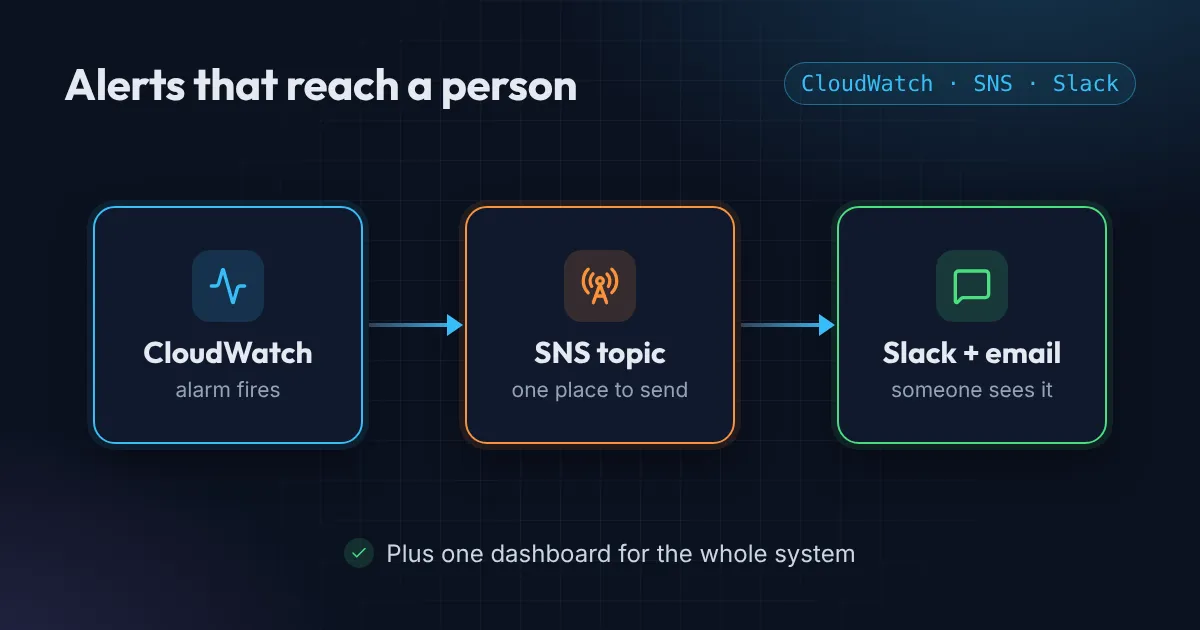
AWS alerts: know about outages before your customers do
Set up AWS alerts that reach you first. No alerts, alerts nobody sees, no dashboard: a small CloudWatch, SNS and Slack setup fixes all three, no new tool.
Do you work on Azure AKS or GKE too?
Yes. I have built AKS clusters with Terraform as well. AWS EKS is where I do most of my work.
Can you deploy to my existing cluster?
Yes. The Helm deploy add-on covers one app on an existing cluster, with ingress and TLS.
Who runs it after you finish?
Your team. You get documentation and a recorded walkthrough. If you want ongoing help, the monthly support add-on covers fixes and upgrades.
How long does a full setup take?
A full Kubernetes setup usually takes 1 to 2 weeks, depending on how many services you run.
Other services
Freelance Terraform consultant for AWS teams
As a freelance Terraform consultant, I turn click-built AWS accounts into reviewed, repeatable Terraform, and write new infrastructure as clean modules your team can keep using after I leave.
AWS cost optimization consultant for startups
Most AWS bills have waste nobody has looked for. As your AWS cost optimization consultant, I review your account, find what you are paying for but not using, and give you a short written list of fixes in order of savings.
GitHub Actions CI/CD setup that deploys safely
Push to main, tests run, the app deploys. I set up GitHub Actions CI/CD pipelines that are fast, keep no long-lived AWS keys, and are easy for your team to read and change.
Not sure where to start?
Send me a short description of your setup and I'll tell you what to fix first. Free.
Get a Free AWS Review