S3 Intelligent-Tiering vs lifecycle rules: which one saves more
S3 Intelligent-Tiering or lifecycle rules? Compare real prices, the 128 KB and monitoring traps, and copy Terraform so old data stops costing Standard.
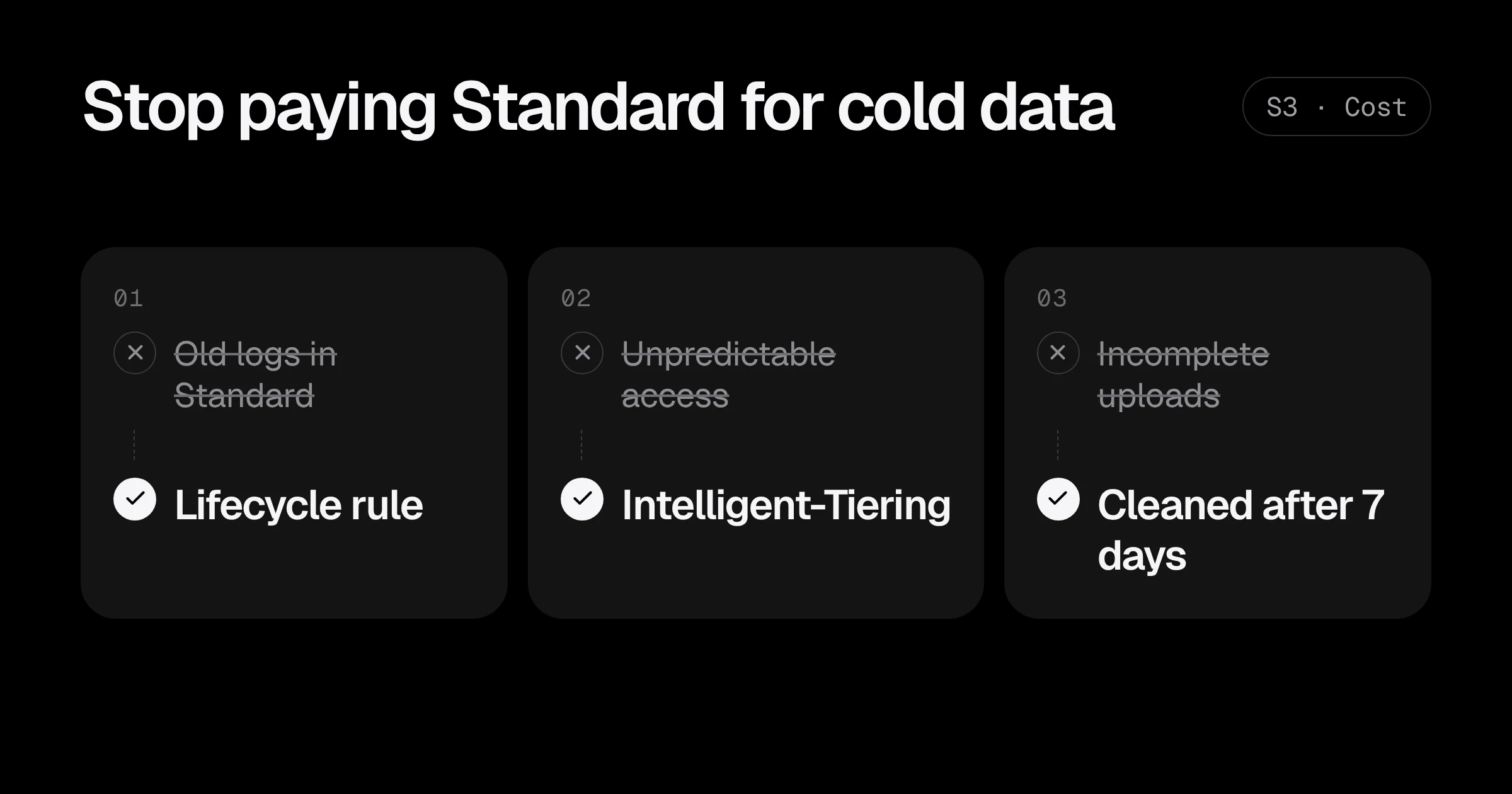
Most S3 bills have the same shape: a few buckets hold most of the data, most of that data is never read again after its first month, and all of it is still in S3 Standard at $0.023 per GB-month. AWS gives you two ways to fix it: lifecycle rules, where you decide when data moves or expires, and Intelligent-Tiering, where S3 watches access and moves it for you.
Both work. They suit different data, and picking the wrong one either leaves money on the table or adds fees. This post compares the two with real prices and gives you Terraform for each.
The prices that matter
us-east-1 prices per GB-month (S3 storage class pricing, confirmed against the S3 pricing page):
| Storage class | Storage | Read back (retrieval) | Minimum billed |
|---|---|---|---|
| S3 Standard | $0.023 | free | none |
| Standard-IA | $0.0125 | $0.01 per GB | 30 days, 128 KB per object |
| Glacier Instant Retrieval | $0.004 | $0.03 per GB | 90 days, 128 KB per object |
| Glacier Flexible Retrieval | $0.0036 | $0.01 to $0.03 per GB, minutes to hours | 90 days |
| Glacier Deep Archive | $0.00099 | $0.02 to $0.10 per GB, up to 48 hours | 180 days |
| Intelligent-Tiering | $0.023, $0.0125 or $0.004 depending on access | free | monitoring $0.0025 per 1,000 objects |
The difference between the top and bottom of that table is more than 20 times. A terabyte of old backups costs about $23.50 a month in Standard and about $1 in Deep Archive.
How lifecycle rules work
A lifecycle rule is a schedule you write: “objects under logs/ move to Glacier Instant Retrieval after 90 days and are deleted after 365.” S3 applies it every day. You pay a small one-time request charge per object when it transitions, and nothing to monitor it.
Lifecycle rules are the right choice when you know how the data ages:
- Application and access logs.
- Database and server backups.
- Exports, reports and build artefacts.
- Anything with a retention requirement, because only lifecycle rules can delete data on a schedule.
How Intelligent-Tiering works
Intelligent-Tiering is a storage class. S3 watches each object:
- Not read for 30 days: moves to the Infrequent Access tier ($0.0125).
- Not read for 90 days: moves to the Archive Instant Access tier ($0.004).
- Read again: moves back to the Frequent tier, with no retrieval fee.
There are also optional Archive and Deep Archive tiers you can switch on, for data that can wait hours to be restored.
The cost is the monitoring fee: $0.0025 per 1,000 objects per month. And objects under 128 KB are never monitored, so they stay at the Frequent price forever.
Intelligent-Tiering is the right choice when you cannot predict access:
- User uploads, where some files are opened for years and most never again.
- Data lakes and analytics datasets queried irregularly.
- Media libraries.
- Any bucket where nobody knows the access pattern and nobody has time to find out.
A real comparison: 10 TB of user files
A startup stores 10 TB of user uploads, 5 million objects averaging 2 MB. After 90 days, about 80% of files are never opened again, but nobody knows which ones in advance.
| Item | All in Standard | Lifecycle to Glacier IR at 90 days | Intelligent-Tiering |
|---|---|---|---|
| Storage per month (once settled) | $236 | $80 | $80 |
| Monitoring | none | none | $12.50 |
| Reading an old file | free | $0.03 per GB | free |
| Monthly total | $236 | about $80, plus retrievals | about $92 |
On paper the lifecycle rule wins by $12.50. In practice, every old file a user opens costs a retrieval fee and, more importantly, the 90-day minimum means files deleted early are still billed. For unpredictable user data, Intelligent-Tiering is usually the safer choice, and it saves about $144 a month here.
Now the same bucket with 50 million small files averaging 20 KB (1 TB in total). Intelligent-Tiering does nothing for them: they are under 128 KB, so they stay at $0.023. A lifecycle rule to Standard-IA does not help either, because each object is billed as if it were 128 KB. For lots of tiny files, the real fix is to bundle them, or to expire them.
Terraform: lifecycle rules for logs and backups
resource "aws_s3_bucket_lifecycle_configuration" "logs" {
  bucket = aws_s3_bucket.logs.id

  rule {
    id     = "app-logs"
    status = "Enabled"
    filter { prefix = "app/" }

    transition {
      days          = 30
      storage_class = "STANDARD_IA"
    }
    transition {
      days          = 90
      storage_class = "GLACIER_IR"
    }
    expiration {
      days = 365
    }
  }

  rule {
    id     = "cleanup"
    status = "Enabled"
    filter {}

    abort_incomplete_multipart_upload {
      days_after_initiation = 7
    }
    noncurrent_version_expiration {
      noncurrent_days = 30
    }
  }
}
The second rule is the one most buckets are missing. Incomplete multipart uploads are invisible in the console but billed as storage, and with versioning on, every overwrite keeps the old copy forever unless a noncurrent version rule removes it.
If you would rather not write the rules by hand, the S3 lifecycle policy generator builds both the JSON and the Terraform from a few choices, and warns about the 30-day and 128 KB traps.
Terraform: Intelligent-Tiering for user uploads
The simplest way is a lifecycle rule that moves new objects into Intelligent-Tiering right away:
resource "aws_s3_bucket_lifecycle_configuration" "uploads" {
  bucket = aws_s3_bucket.uploads.id

  rule {
    id     = "to-intelligent-tiering"
    status = "Enabled"
    filter {
      object_size_greater_than = 131072 # 128 KB: smaller objects gain nothing
    }

    transition {
      days          = 0
      storage_class = "INTELLIGENT_TIERING"
    }
  }
}
You can also upload straight into the class (--storage-class INTELLIGENT_TIERING on aws s3 cp, or StorageClass in the SDK), which skips the transition request.
To use the optional archive tiers for data that can wait hours:
resource "aws_s3_bucket_intelligent_tiering_configuration" "uploads" {
  bucket = aws_s3_bucket.uploads.id
  name   = "archive-old-uploads"

  tiering {
    access_tier = "ARCHIVE_ACCESS"
    days        = 180
  }
}
Only turn that on if your application can handle a file that takes hours to restore. For user-facing files it usually cannot.
Step 1: find out what your buckets hold
Before choosing, look at the data. S3 Storage Lens (free metrics level) shows storage by bucket and class across the account. For one bucket, a rough size and object count:
aws s3 ls s3://my-bucket --recursive --summarize | tail -2And Storage Class Analysis (in the bucket’s Metrics tab) watches access for a few weeks and tells you when objects stop being read, which is exactly the number a lifecycle rule needs.
Which one to use: the short version
| Data | Use |
|---|---|
| Logs, backups, exports, build artefacts | Lifecycle rules, with expiration |
| User uploads, media, irregular analytics | Intelligent-Tiering (objects over 128 KB) |
| Millions of tiny files | Bundle or expire them; neither class helps much |
| Anything with versioning on | Add a noncurrent version expiration rule |
| Every bucket | Abort incomplete multipart uploads after 7 days |
S3 storage cost checklist
- Use Storage Lens to find the biggest buckets and their storage classes.
- Add a cleanup rule to every bucket: incomplete uploads after 7 days, old versions after 30.
- Put logs, backups and exports on lifecycle rules that move and then expire them.
- Put unpredictable data over 128 KB into Intelligent-Tiering.
- Check the S3 line in Cost Explorer a month later.
For the other quick savings on the same bill, see how to reduce your AWS bill. Keeping buckets private matters as much as keeping them cheap: see S3 buckets that are never public. Want someone to go through your storage with you? Start with a Free AWS Review.
Prices are us-east-1 list prices, checked in November 2026 against the Amazon S3 pricing page. Request and retrieval charges vary by class and region.
Common questions
Is S3 Intelligent-Tiering worth it?
For objects over 128 KB whose access you cannot predict, yes: they move to cheaper tiers by themselves after 30 and 90 days without access, with no retrieval fees. For data with a known life, such as logs or backups, a lifecycle rule is cheaper because it has no monitoring fee.
What is the S3 Intelligent-Tiering monitoring fee?
$0.0025 per 1,000 objects per month in us-east-1. Objects smaller than 128 KB are not monitored or charged the fee, but they also never move to a cheaper tier.
Can I use lifecycle rules and Intelligent-Tiering together?
Yes. A common setup is a lifecycle rule that moves objects into Intelligent-Tiering on day 0 and expires them after a year, so access is handled automatically and old data is still deleted.
Does moving data to Standard-IA have a minimum?
Yes. Standard-IA bills at least 30 days of storage and at least 128 KB per object, and charges $0.01 per GB to read data back. Lifecycle rules can only move objects to Standard-IA once they are at least 30 days old.
Why is my S3 bill still high after adding lifecycle rules?
Common reasons: versioning keeps every old copy (add a noncurrent version rule), incomplete multipart uploads are never cleaned up, or the rule's prefix or tag filter does not match the objects you meant.
Want this set up for your team?
I build this kind of infrastructure for startups and small teams, with fixed prices and full handover.